【git】git remote show originをした時のRemote branchesにnew(next fetch will store in remotes/origin)があった git remote show originは、リモートリポジトリ(この場合は、origin)の詳細情報を確認するコマンド。 今回のgit remote show originの結果 hiroki@shibatahiroshitakanoMacBook-Air python % git remote show origin * remote origin Fetch URL: https://github.com/ki-hi-ro/python.git Push URL: https://github.com/ki-hi-ro/python.git HEAD branch: main Remote branches: main tracked mast… Git
【Git】リモートとローカルの履歴が分岐している場合の対処法3つ git pullできない場合に提示される以下の選択肢3つについて、ここに掲載していこう。 hiroki@shibatahiroshitakanoMacBook-Air ki-hi-ro.com % git pull origin main remote: Enumerating objects: 11, done. remote: Counting objects: 100% (11/11), done. remote: Compressing objects: 100% (3/3), done. remote: Total 7 (delta 5), reused 6 (delta 4), pack-reused 0 (from 0) Unpackin… Git
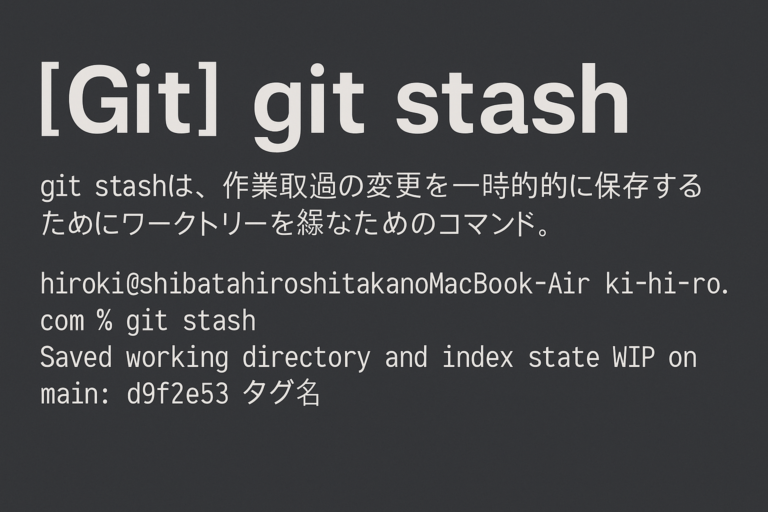
【Git】git stash git stashは、作業途中の変更を一時的に保存して、ワークツリーを綺麗な状態に戻すためのコマンド。 git stashの使用例 hiroki@shibatahiroshitakanoMacBook-Air ki-hi-ro.com % git stash Saved working directory and index state WIP on main: d9f2e53 タグ名 git stashの使用前後 使用前は、git pullができなかった。 hiroki@shibatahiroshitakanoMacBook-Air ki-hi-ro.com % git pull origin main error: cannot pull with… Git
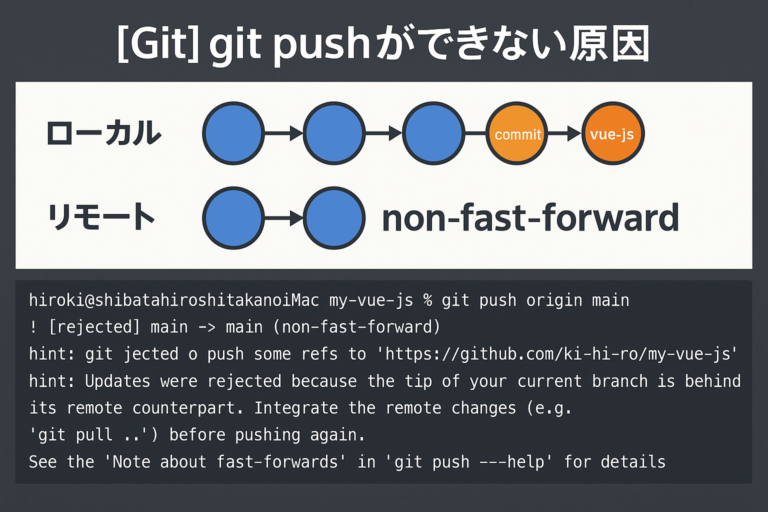
【Git】git pushができない原因 この記事では、ローカルからリモートにgit pushができない原因を掲載していく。 non-fast-forward ローカルとリモートの状態。vue-js-1というコミットで分岐している。 ローカル リモート この状態でローカルからリモートにpushしようとすると、以下のメッセージが表示される。 hiroki@shibatahiroshitakanoiMac my-vue-js % git push origin main To https://github.com/ki-hi-ro/my-vue-js.git ! [rejected] main -> main (non-fast-forward) error: failed to p… Git
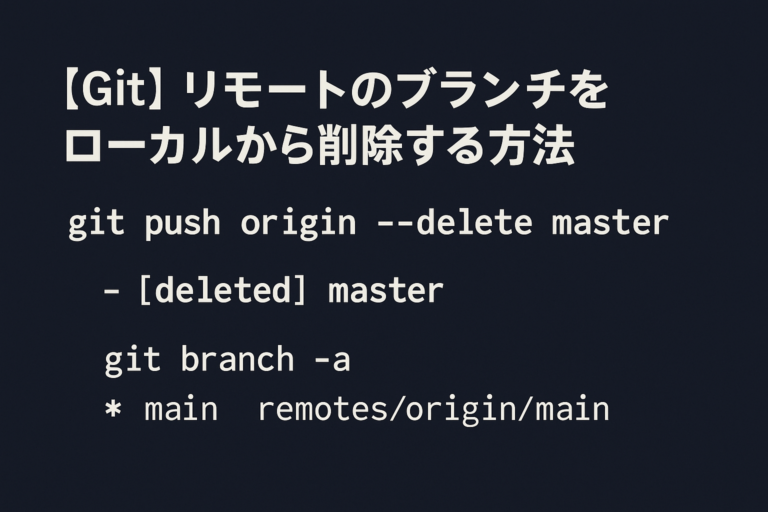
【Git】リモートのブランチをローカルから削除する方法 現状、リモートに不要なmasterブランチがある。 git branch -aで、ローカルとリモートのブランチが確認できる。 hiroki@shibatahiroshitakanoMacBook-Air python % git branch -a * main remotes/origin/main remotes/origin/master リモートのブランチをローカルから削除する方法 git push origin --delete masterで、リモートにある不要なmasterブランチを削除することができる。 リモート側でdefaultブランチとして設定されている場合 以下のエラーが起こる。 hiroki@shibatahiroshitaka… Git
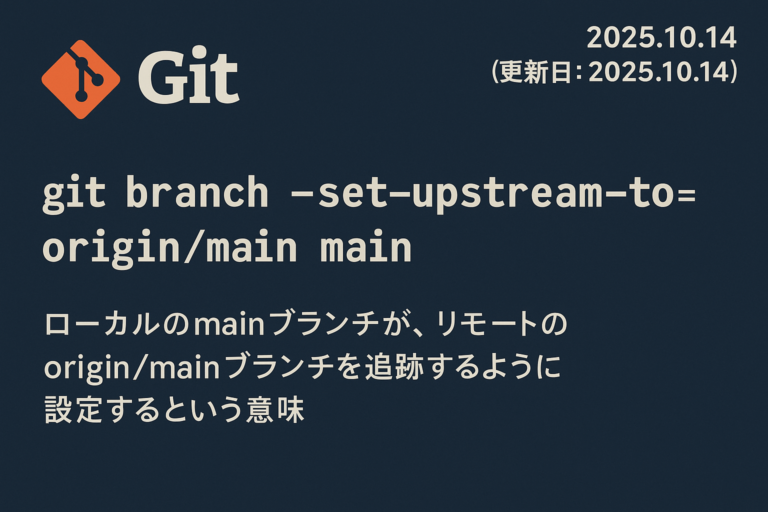
【Git】ローカルブランチとリモートブランチの対応関係を正しく整えるためのコマンド git branch --set-upstream-to=origin/main main について解説していこう。 git branch --set-upstream-to=origin/main mainとは ローカルのmainブランチが、リモートのorigin/mainブランチを追跡するように設定するという意味。 git branch --set-upstream-to=<リモート名>/<リモートブランチ> <ローカルブランチ> 現状 現状、以下のようになっている。 hiroki@shibatahiroshitakanoiMac ki-hi-ro.com-2022 % git remote show origi… Git
【Git】ローカルの不要ブランチを削除する方法 現状、iMacのこのブログのWordPressテーマのディレクトリのフォルダには、mainとshowのブランチがある。 showブランチは不要なので、削除したい。 git branch -d <ブランチ名> git branch -d <ブランチ名>で、ブランチを削除することができる。 git branch -d showで、showブランチを削除することができた。 Git
ローカルのブランチ名を変更して、リモートの追跡ブランチを確認する 現状、master。 リモートは、main。 ローカルのmasterをmainに変更 git branch -m master main リモートの追跡ブランチを確認 git remote show origin * remote origin Fetch URL: https://github.com/ki-hi-ro/ki-hi-ro.com-2022.git Push URL: https://github.com/ki-hi-ro/ki-hi-ro.com-2022.git HEAD branch: main Remote branches: main tracked refs/remotes/origin/master stale (use… Git
ローカルとリモートのブランチの状況を合わせたい 現状、ローカルとリモートのブランチの状況が異なっている。 ローカルのブランチの状況 git branchで確認すると、mainのみだった。 リモートのブランチの状況 mainとmasterの二つある。 リモートとローカルのブランチ状況を合わせて確認 hiroki@shibatahiroshitakanoMacBook-Air ki-hi-ro.com % git branch -a * main remotes/origin/main remotes/origin/master 実現したいこと mainブランチに統一したい。 以下のようになればOK。 hiroki@shibatahiroshitakanoMacBook-Air ki-hi-ro.com… Git macOS
git pushをした時のremote: Invalid username or tokenを解消した macbook airでgit pushをして、ユーザ名とパスワードを入力すると、以下のエラーが出た。 hiroki@shibatahiroshitakanoMacBook-Air ki-hi-ro.com % git push origin main Username for 'https://github.com': ki-hi-ro Password for 'https://ki-hi-ro@github.com': remote: Invalid username or token. Password authentication is not supported for Git operations. fatal: Authenticati… Git